Log the drive.
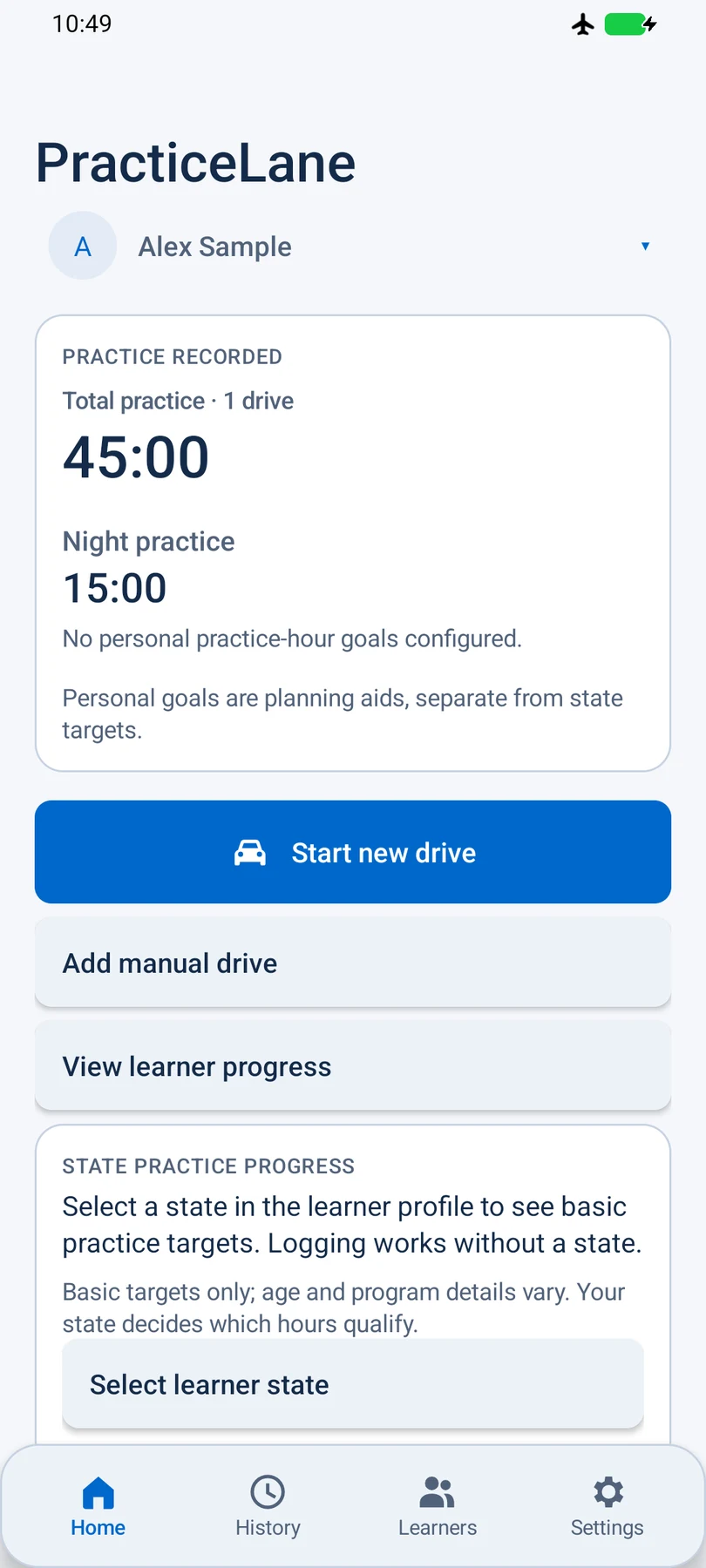
Start a recorded drive and let PracticeLane keep the time and route. Or add a manual drive when you need to.

A LITTLE PRACTICE. REAL PROGRESS.
Log learner-driving time, keep routes and notes together, and see what you’ve practiced. Just start, drive, and finish—or choose a little more focus for the road ahead.
For learners, parents, and instructors.
No account needed for basic logging.
SIMPLE BY DEFAULT. USEFUL BY DESIGN.
From the first quiet practice session to a history you can look back on, keep the useful parts together.
Start a recorded drive and let PracticeLane keep the time and route. Or add a manual drive when you need to.
Try Random 3 skills or choose your own focus. Mark useful moments and leave a note for next time. Every extra is optional.
Review past drives, see practice progress, and save reports or a backup wherever you choose.
 Actual app screen · Sample data
MORE THAN MINUTES
Look beyond a total. See which skills you’ve recorded recently, which you’ve practiced before, and what you might revisit.
These records show what you’ve practiced, not how well you drive.
Explore your driving recordTHE RECORD YOU BUILD MATTERS
PracticeLane is designed to protect your driving history. When you update notes or other editable details, it keeps the original drive information too.
Drives saved only on your device aren’t automatically backed up online. If you lose the device, recovery depends on a backup you kept or driving records already shared through sync.
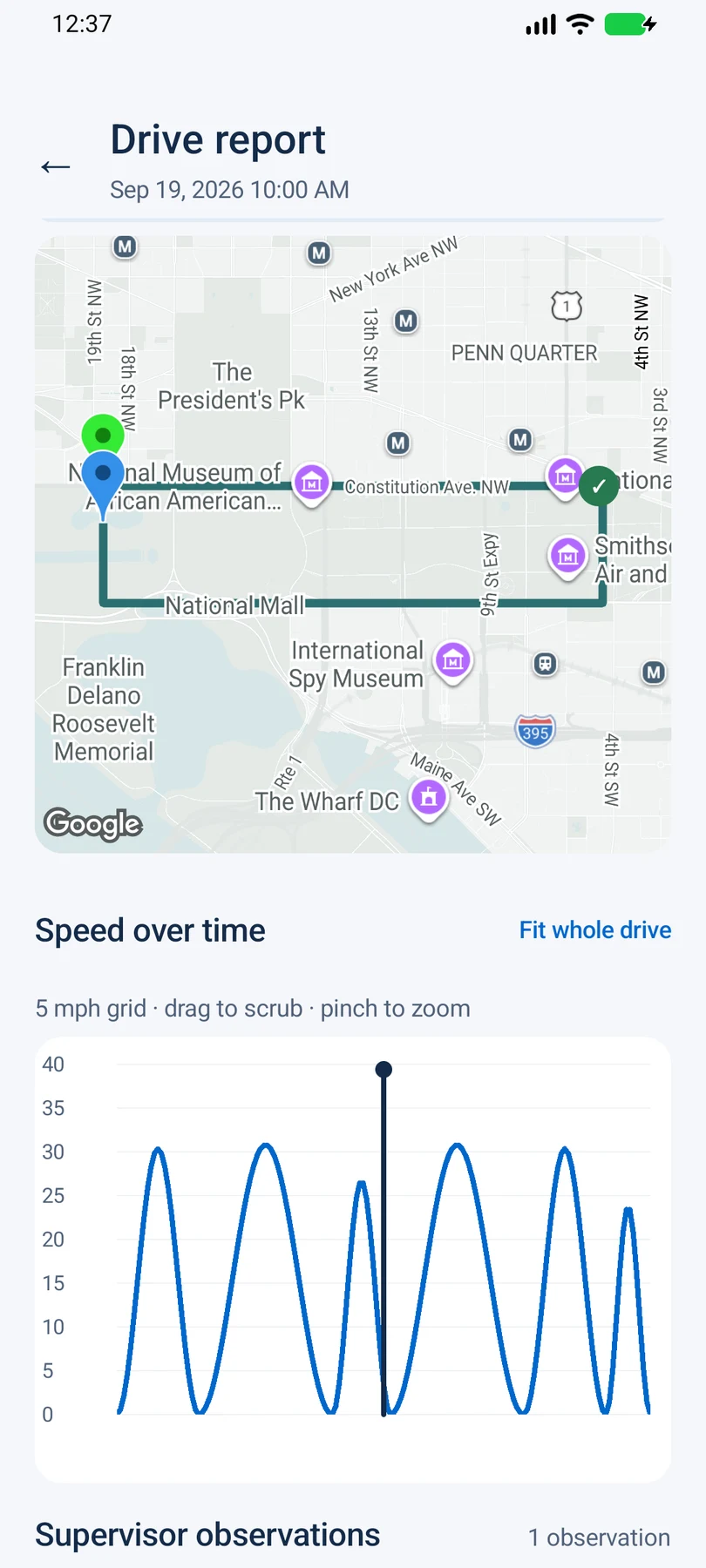
Keep a backup of your historyRoute, speed, and a moment marked during practice.
KNOW WHAT TO CHECK
Find official driving requirements for every state and DC in one place. Read the reviewed planning notes, then verify your learner’s path with the licensing agency.
Find your stateFind your state’s licensing agency
Check the rules for your learner
Keep a useful practice record
Independent resources. No government affiliation.
AT YOUR OWN PACE
There’s a lot to learn behind the wheel.
Keeping the record can be the easy part.